PROMPT GUIDES · 2026-09-24
What should I remove before reusing a generated prompt template?
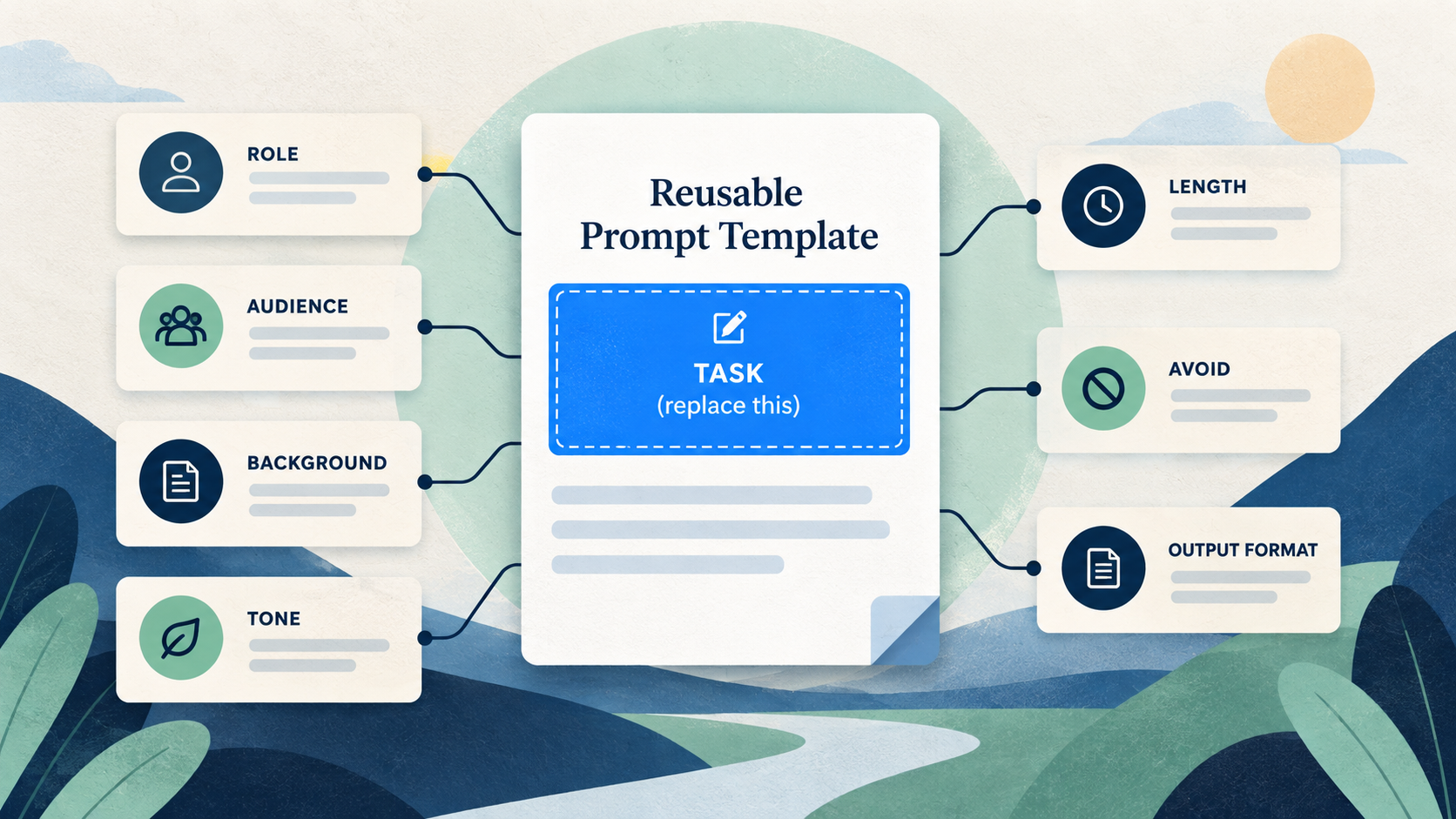
Replace the task, then review every retained field before you reuse the template. Remove or update the old role, audience, context, tone, length, avoid rules, examples, and output format. In our PromptSprite browser test, Template replaced the task with [YOUR IDEA] but kept the other settings.
Before using this template for a new task, inspect every retained field. Replace [YOUR IDEA]. Remove or update any role, audience, context, constraints, examples, tone, length, avoid rules, and output format that belong to the previous task. Keep only details you have verified still apply, then read the whole template once as the new recipient.
Try it in the prompt generator →
What changed in our browser test
On September 24, 2026, we built an announcement-email prompt with a role, audience, location context, length, avoid rule, and Bullet points format. The concrete task was: “Write an announcement email for the autumn pottery workshop. Registration closes October 12.” We then switched the output from Prompt to Template.
The observed change was narrow: the TASK body became [YOUR IDEA]. The role “Community arts coordinator,” the Bristol context, the first-time pottery audience, Clear & natural tone, English language, Concise length, avoid rule, and Bullet points output all remained. The template did not decide whether those retained details belonged in a future task.
This matters because a clean placeholder can make the document look reusable while old assumptions still shape the result. Replacing the blue task slot is only the first edit.
Review the fields that stay attached
| Field | Test result | Reuse decision |
|---|---|---|
| Task | Replaced with [YOUR IDEA] | Always replace |
| Role | Retained | Keep only if the new task needs the same perspective |
| Context | Retained | Replace old places, dates, products, and policies |
| Audience | Retained | Check who will actually read the new result |
| Tone and language | Retained | Confirm both for the new recipient |
| Length and format | Retained | Choose the new deliverable, not the old one |
| Avoid rule | Retained | Keep a useful safety rule; delete task-specific prohibitions |
The table reports this one PromptSprite run. Another tool may define “template” differently, so inspect its actual output rather than transferring this behavior to every prompt generator.
A worked reuse: workshop email to volunteer briefing
Suppose the next task is a volunteer briefing for a park clean-up. Replacing only [YOUR IDEA] would still ask a community arts coordinator to address adults attending their first pottery workshop, use Bristol workshop context, avoid inventing a venue address, and return Bullet points. Some of that may be harmless; some would be wrong.
Keep the general instruction to avoid inventing facts. Replace the role with the actual organizer, the audience with volunteers, and the context with the confirmed meeting point, date, equipment, and safety guidance. Reconsider Concise and Bullet points based on the real briefing. Delete the pottery-specific assumptions even when they do not contradict the new task, because silent leftovers make later review harder.
A useful test is to hide the task line and read everything else. If the remaining text clearly describes the previous job, the template is not ready to reuse.
Use a keep, replace, or delete pass
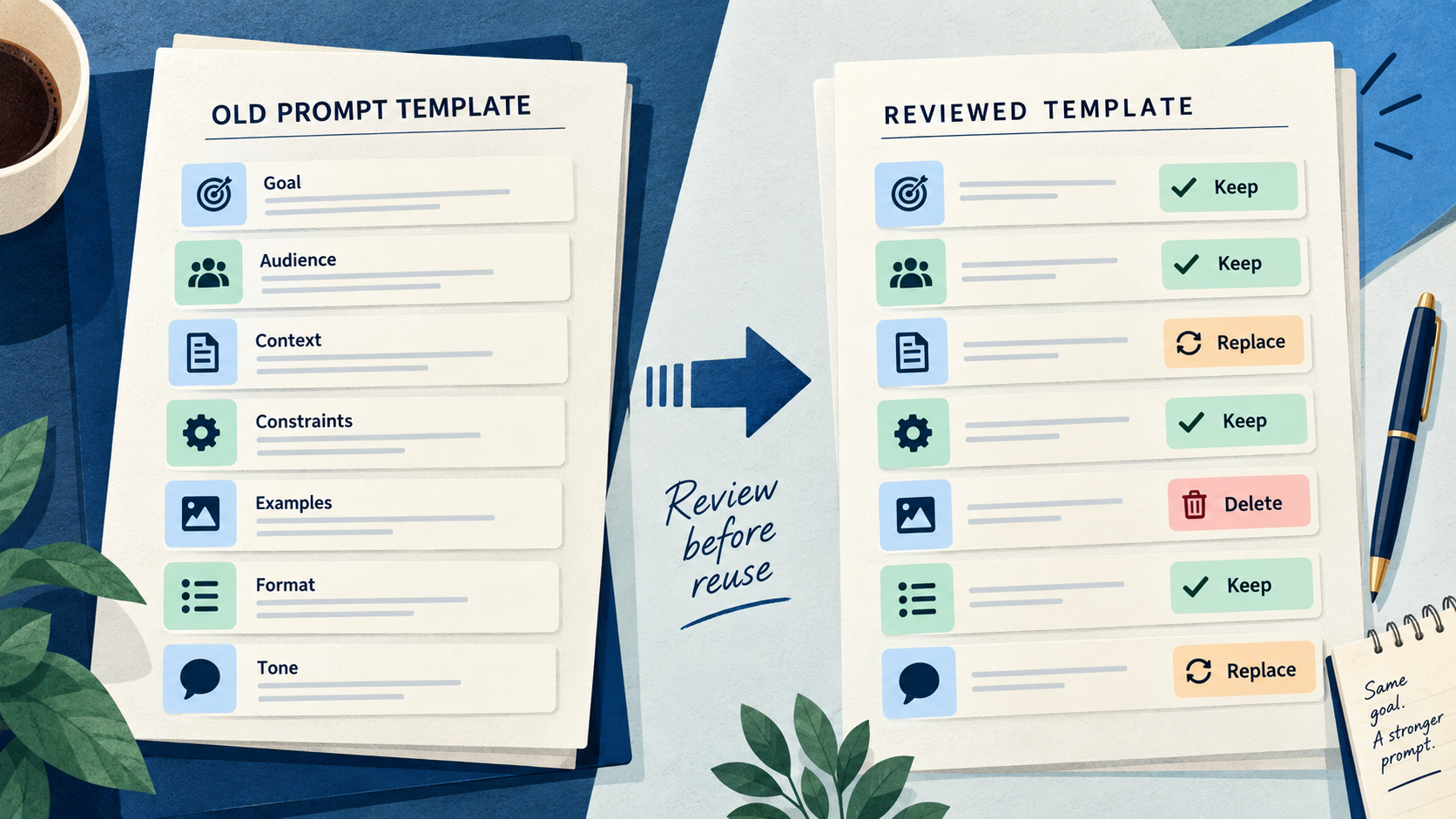
- Replace the task placeholder with one concrete new task.
- Keep only fields you can explain for the new task.
- Replace dates, places, people, products, policies, examples, and audience details from the old job.
- Delete instructions that add no value to the new result.
- Read OUTPUT last. A retained table, JSON, word count, or finished-draft instruction can conflict with what you now need.
- Run a final mismatch check: search for old nouns and ask whether each surviving constraint still has a source.
Do not use a template as a storage place for private details. Use descriptive placeholders while editing, then decide what information you are comfortable entering in the separate tool where you will run the prompt.
What this test proves and what it does not
We verified the Prompt and Template text displayed by PromptSprite in the browser and saved the exact inputs and outputs. We did not send either version to another model, compare response quality, or measure an accuracy rate. A retained instruction can still be useful, and a cleaned template can still produce a poor response.
The practical claim is limited: in this test, switching to Template changed the task body and retained the other configured fields. The review method follows from that observed behavior. It is not evidence that all prompt tools use the same template rules.
You can inspect the exact browser-test record before applying the checklist.
Questions and answers
Does Template remove the previous context automatically?
Not in our PromptSprite browser test. It replaced the task with [YOUR IDEA] and retained the role, context, audience, tone, language, length, avoid rule, and output format.
Should I delete every retained setting?
No. Keep a setting when it still has a clear purpose in the new task. Replace or delete it when it describes the previous job or creates an unsupported assumption.
Can I reuse a template for a different audience?
Yes, after replacing the audience and reviewing tone, examples, context, length, and output format from the new reader’s point of view.
Original PromptSprite browser comparison and author-written reuse scenario. No downstream model execution or quality rate is claimed.
Watch the walkthrough
Original illustrated walkthrough with synthetic English narration. The workshop and volunteer examples are fictional.