PROMPT GUIDES · 2026-10-01
Does changing response language translate my prompt?
No. Changing Response language tells the downstream model which language to use for its answer; it does not translate the idea you typed or rewrite the assembled prompt. If you need a translation, state what must be translated, the target language, and what wording or names must stay unchanged.
Respond in [TARGET LANGUAGE]. Keep product names, quoted text, code, URLs, and supplied identifiers unchanged. If the source text must also be translated, translate only the sections I name. If a term is ambiguous, ask one focused question before drafting. Return the requested answer without claiming that the original input was automatically translated.
Try it in the prompt generator →
What our two-setting browser test showed
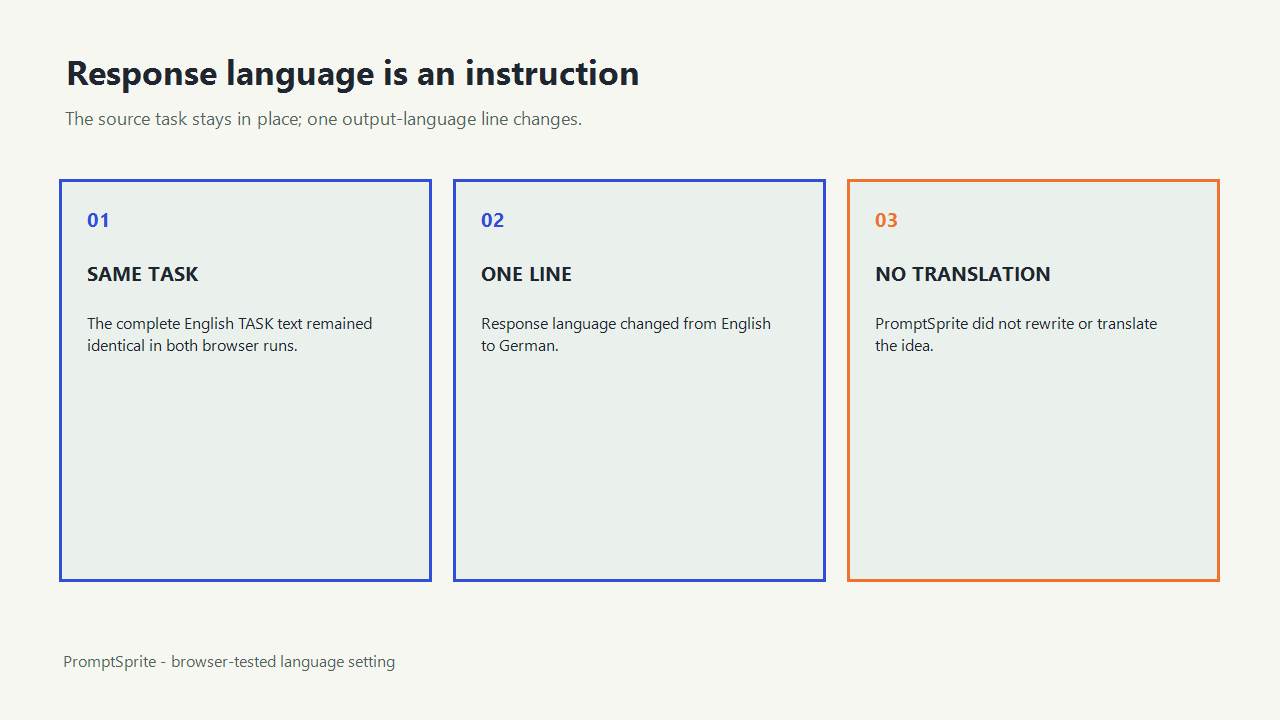
On October 1, 2026, we entered the same English task twice in the public PromptSprite writing mode. Purpose, tone, format, length, and the complete idea stayed fixed. The first run selected English; the second selected German.
The TASK section remained English and matched character for character in both prompts. The only changed line was Response language: English.
becoming Response language: German.
This shows that the selector adds an output instruction. It does not translate or rewrite the user's idea.
The test covered deterministic prompt assembly in the browser. We did not send either prompt to a downstream model, so the test does not prove how a particular model will follow the language instruction.
Separate input language from response language
| Part | What it means | What the selector does |
|---|---|---|
| Idea or source text | The task, facts, quotations, and material you typed | Leaves it unchanged |
| Response language | The language requested for the eventual answer | Adds one requirement line |
| Translation task | An explicit instruction to translate named material | Must be written in the idea or context |
An English source can request a German answer. A German source can request an English answer. Neither combination implies that every supplied string should be translated.
Use an explicit translation handoff
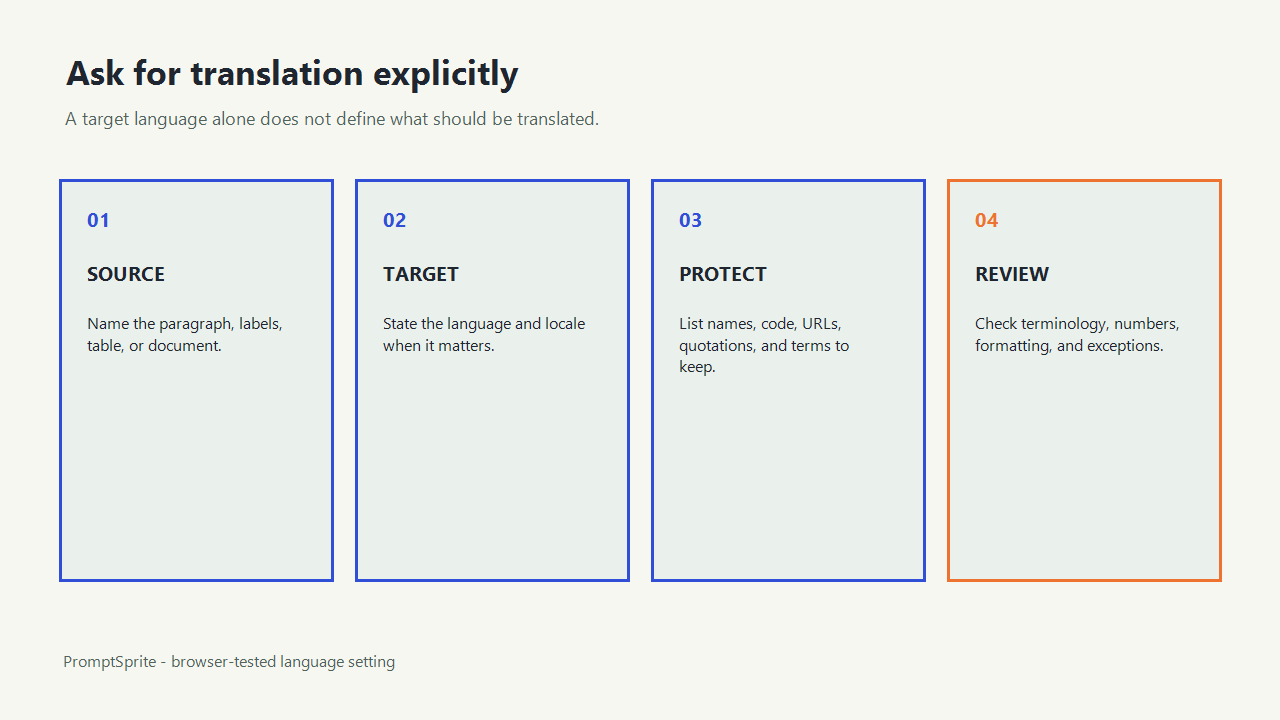
- Name the source material: paragraph, table, labels, or complete document.
- Name the target language and, when useful, the intended locale.
- List text that must remain unchanged, such as product names, code, URLs, measurements, and quoted legal wording.
- Say whether you want translation only or a translated answer to a separate task.
- Review names, numbers, formatting, and untranslated exceptions after the response arrives.
For example, Answer in German
controls the answer language. Translate the two customer quotations into German, keep product names unchanged, then summarize them in German
defines a translation task and its boundary.
Handle mixed-language inputs deliberately
Mixed inputs often contain text that should not all receive the same treatment. Keep code identifiers, URLs, filenames, model numbers, and quoted source passages unchanged unless the task specifically says otherwise. Define whether headings, table labels, examples, and citations should be translated.
If the prompt contains an unfamiliar term, do not silently replace it. Ask for a glossary or mark the uncertain term. A language choice cannot supply missing terminology or validate a translation.
What the setting can and cannot guarantee
The setting can place a clear response-language instruction inside the assembled prompt. It cannot translate the input by itself, execute a model, guarantee that every downstream tool follows the instruction, or verify linguistic accuracy.
Inspect the exact browser record to see both complete prompts and the equality check proving that only the response-language line changed.
Questions and answers
Will selecting German translate the idea I typed?
No. The idea remains unchanged. The assembled prompt asks the downstream model to respond in German.
How do I request an actual translation?
State exactly which source text to translate, the target language or locale, and any terms that must remain unchanged.
Does the selector guarantee a correct translation?
No. It adds an instruction only. Review the downstream answer for terminology, names, numbers, and formatting.
Original PromptSprite public browser comparison and author-written translation-boundary guidance. The test verifies prompt assembly only, not downstream language quality.
Watch the walkthrough
Original language-setting walkthrough with synthetic English narration. No downstream translation quality was tested.