PROMPT GUIDES · 2026-10-02
Does the prompt length setting guarantee an exact word count?
No. A length setting adds a length instruction to the prompt; it does not count or trim the downstream answer. For an exact limit, state the unit and tolerance, define what counts, then verify the returned text with a separate word-count check.
Write the requested answer in exactly [NUMBER] words. Count hyphenated terms as one word and do not count the title. After drafting, count the words, revise until the count is exact, and return the answer followed by a separate line: Word count: [NUMBER]. If these counting rules conflict with the required format, ask one focused question before drafting.
Try it in the prompt generator →
What our two-setting browser test showed
On October 2, 2026, we entered the same product-update task twice in the public PromptSprite writing mode. Purpose, tone, response language, result format, and the complete task stayed fixed. The first run selected Concise; the second selected About 100 words.
The TASK section matched character for character. The only changed line was Length: Concise.
becoming Length: About 100 words.
PromptSprite assembled an instruction; it did not call a model or produce an answer to count.
The record covers deterministic browser behavior only. It cannot prove that a downstream model will land on exactly 100 words.
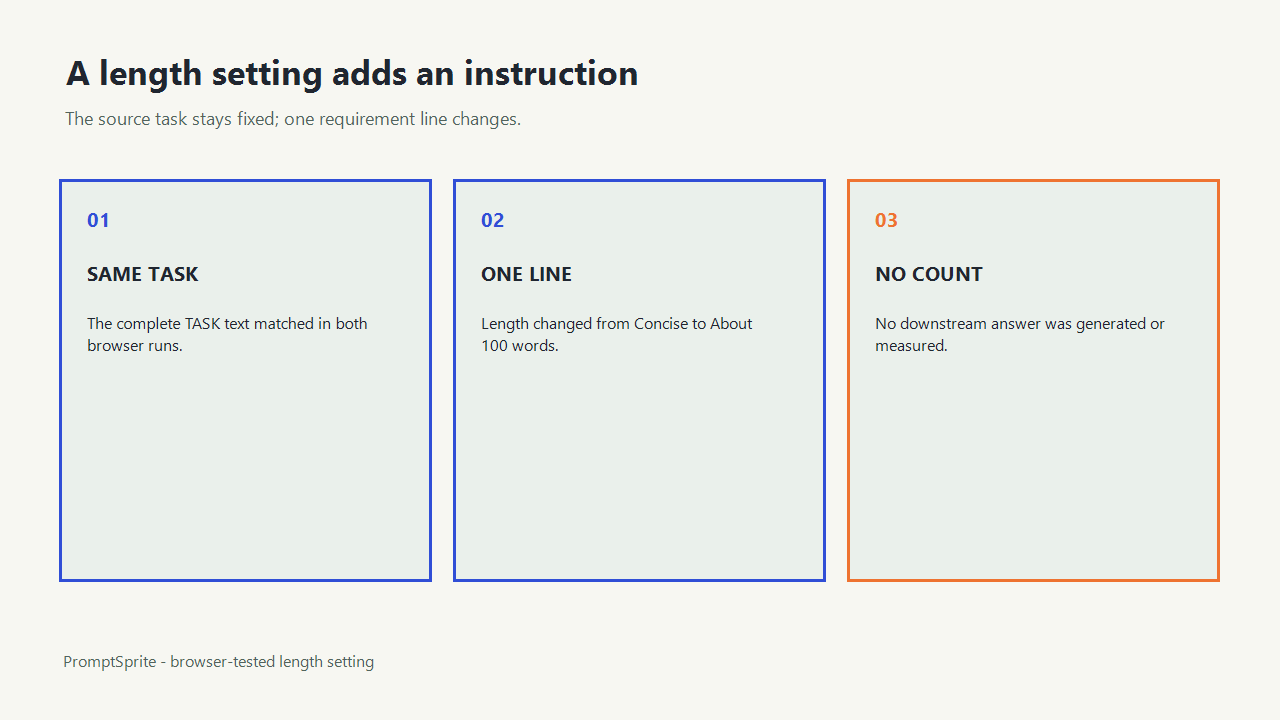
Separate the instruction from the measurement
| Stage | What happens | What it proves |
|---|---|---|
| Prompt assembly | Adds the selected length line | The request is present |
| Model response | A downstream system writes the answer | Nothing until the answer exists |
| Word-count check | Counts the returned text under stated rules | Whether the answer meets the limit |
A visible number inside a prompt is a requirement, not a measured result. Treat the answer as unverified until it is counted.
Define what an exact count means
Word counts can differ when tools handle hyphenated terms, numbers, URLs, contractions, headings, and bullet labels differently. Name the unit and the counting rule before drafting. If a strict publishing system performs the final count, use that system as the final authority.
For a maximum rather than an exact count, say no more than 100 words
. For a range, say 90 to 110 words
. Use about 100 words
only when approximation is acceptable.
Use a draft-count-revise workflow
- Choose exact, maximum, minimum, or approximate length.
- State whether titles, labels, citations, and code count toward the total.
- Ask the model to draft and report its count separately.
- Count the returned answer with your chosen tool.
- If the count misses, revise without removing required facts or changing the format.
When facts and length conflict, preserve accuracy and report the conflict instead of deleting a necessary qualification just to hit the number.
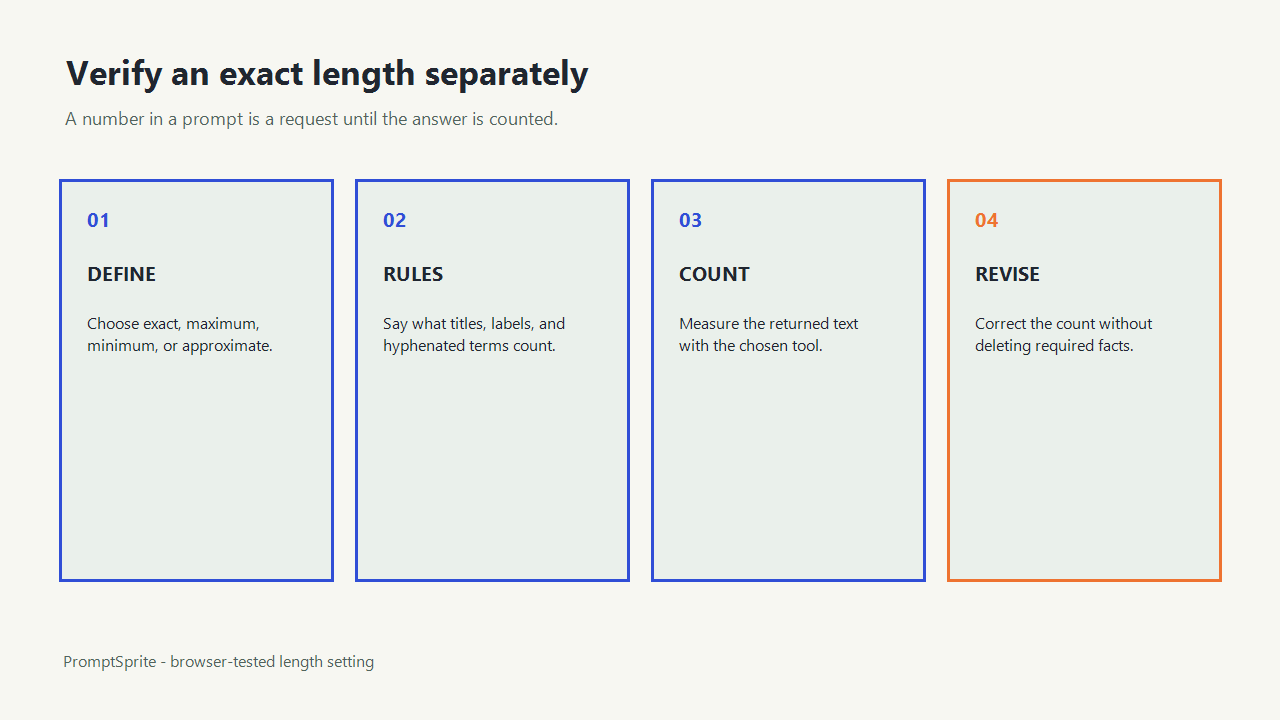
What the length setting can and cannot guarantee
The setting can make the requested length explicit inside the assembled prompt. It cannot execute a model, measure the resulting answer, reconcile conflicting constraints, or guarantee that every downstream tool uses the same counting rules.
Inspect the exact browser record to see both complete prompts and the equality check showing that only the length instruction changed.
Questions and answers
Does About 100 words mean exactly 100?
No. The wording is approximate. Use an exact-number instruction and verify the returned text separately when the count must be exact.
Should I ask for words, characters, or tokens?
Use the unit your publishing or product constraint actually measures. Define its counting rule when precision matters.
What if the exact limit conflicts with required facts?
Keep the facts and report the conflict. Do not silently remove essential information to satisfy a count.
Original PromptSprite public browser comparison and author-written length-verification guidance. The test verifies prompt assembly only, not downstream compliance.
Watch the walkthrough
Original length-setting walkthrough with synthetic English narration. No downstream model answer was generated or counted.