PROMPT GUIDES · 2026-09-23
How do I make a prompt ask for missing facts?
Tell the model which facts it may use, name the details it must not invent, and ask it to pause before drafting when those details are missing. Check the generated prompt before you copy it: a longer prompt is not evidence that missing facts have been found.
Use only the facts I supply. Before drafting, list any essential missing facts and ask me for them. Do not invent names, locations, dates, prices, requirements, or policies. If I ask you to proceed without an answer, mark unresolved details with [CONFIRM: detail] instead of guessing.
Try it in the prompt generator →
A worked example: the pottery-class email
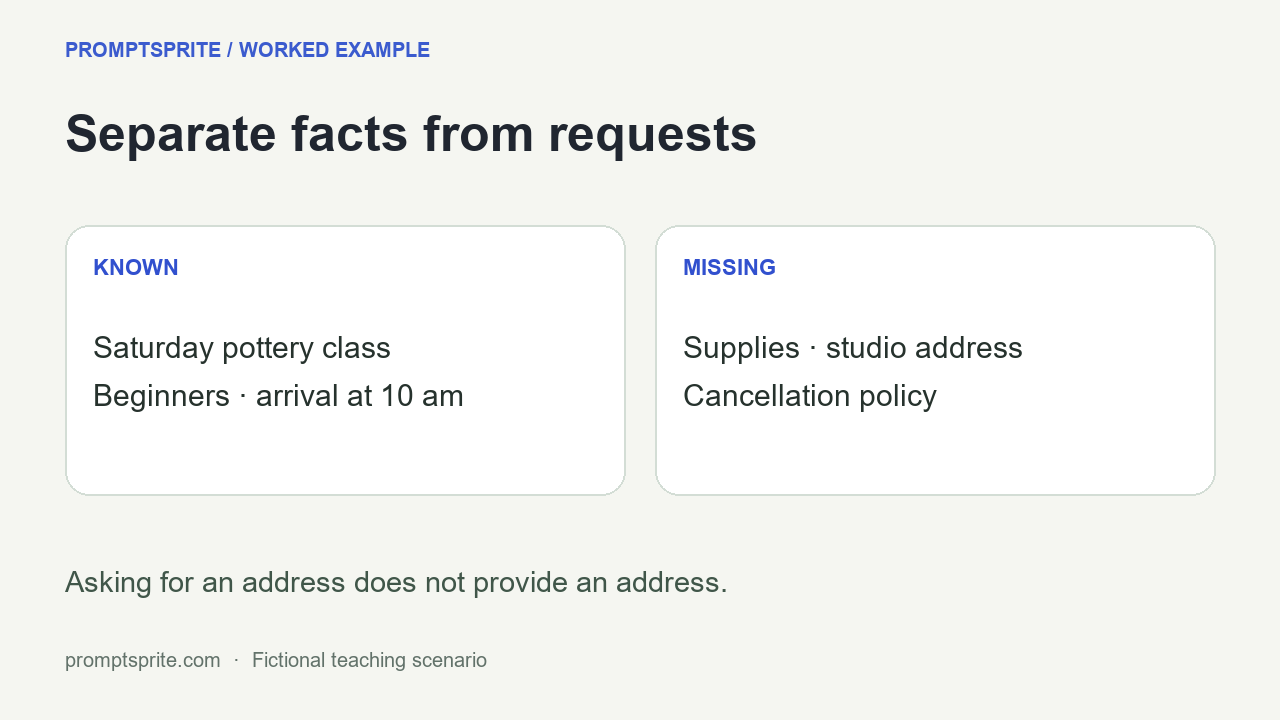
Here is our test brief: a welcome email for beginners attending a Saturday pottery class, arriving at 10 am. The email must say what to bring, give the studio address, and explain the cancellation deadline. Those last three details have not been supplied.
The useful distinction is between a request and a fact. Asking for an address does not provide an address. Asking for a cancellation deadline does not establish a cancellation policy. A polished paragraph can hide that distinction, so write the fact list before asking for polished prose.
| Detail | What the brief actually supplies | Next action |
|---|---|---|
| Audience | Beginners | Use it |
| Day | Saturday, without a calendar date | Keep Saturday; ask if an exact date is needed |
| Arrival | 10 am | Keep the supplied time |
| Supplies | Not supplied | Ask the organizer |
| Studio address | Not supplied | Ask the organizer |
| Cancellation deadline | Not supplied | Ask whether a policy exists, then request its wording |
This is an invented teaching scenario, not an actual event announcement. Its purpose is to make each unknown visible, rather than to produce a convincing email that a real attendee could mistakenly act on.
What we actually tested in the generator
On September 23, 2026, we entered the pottery brief into PromptSprite using Writing & content, Clear & natural, and English. We added: “Use only the facts supplied here. Before drafting, ask me for any missing details. Do not invent supplies, locations, dates, or policies.”
The generated prompt preserved those instructions in TASK and included a requirement to ask a focused question instead of inventing essential information. It did not supply a studio address, supplies list, or cancellation policy.
There is a detail worth checking: the default OUTPUT section still asks for a finished piece of writing. TASK takes priority over optional defaults in the generated instructions, but you can make the immediate step clearer by editing OUTPUT to: “First return the missing-facts questions only. Draft the email after I answer.” That edit is a suggested next step, not a tested response from a separate AI model.
We tested prompt construction in the browser. We did not send this case to a downstream model or measure whether it follows the instruction. PromptSprite builds prompts with rules; it does not look up event details or verify facts for you. You can inspect the exact input and generated output.
Replace a vague request with an explicit handoff
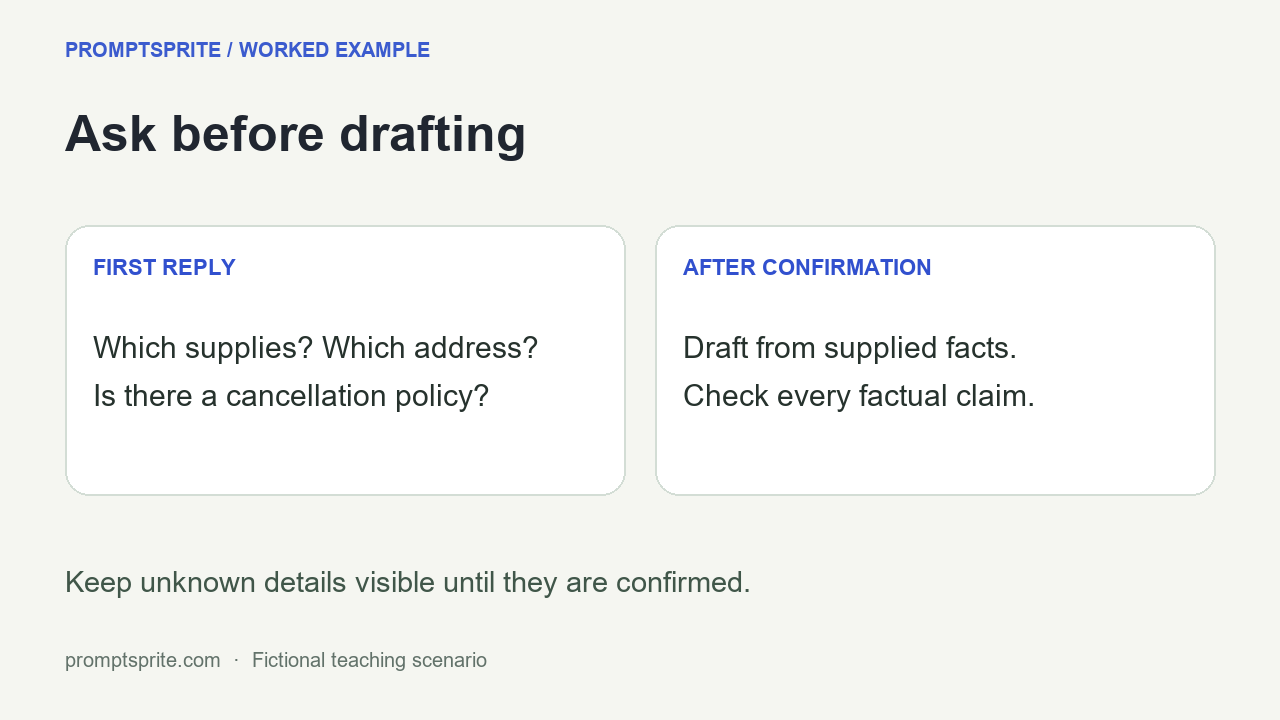
A weak brief says: “Write the welcome email and include everything people need.” A more reviewable brief names what is known, what is unknown, and what the next reply should contain. For this case, the next reply should be questions about supplies, the address, and the policy, rather than an invented finished announcement.
If you need a draft immediately, use visible placeholders. For example: “Please arrive at 10 am on Saturday at [CONFIRM: studio address]. Bring [CONFIRM: supplies]. Cancellation information: [CONFIRM: whether there is a policy and its deadline].” This is an author-written placeholder example, not model output.
Do not replace missing information with familiar assumptions. An apron might sound sensible for pottery, but the brief did not say one is required. A two-day cancellation window might sound plausible, but plausibility is not permission to publish it. Keep the placeholder until the organizer supplies the fact.
Before you reuse the result
- Highlight every name, date, address, price, requirement, and policy in the draft.
- Point each highlighted statement back to a supplied fact. If you cannot, remove it, label it as unknown, or ask for confirmation.
- Keep questions separate from publishable copy. Do not accidentally send an unresolved placeholder to attendees.
- After facts arrive, change only the relevant placeholders and read the final email again.
For another task, keep the same review method but change the fact categories. A product description needs supplied materials and dimensions. A meeting reminder needs the actual time and location. A story prompt can invite invention, but an event email needs an explicit boundary between invention and facts.
Questions and answers
Will this stop an AI from inventing facts?
No instruction guarantees that. The ask-first wording makes the intended behavior explicit; you still need to inspect the result against the facts you supplied.
Should I put the rule in the description or edit the result?
Put it in the description before generating. Then review the result and, if necessary, make OUTPUT ask for questions before a finished draft.
Can I use the prompt generator without supplying private details?
Yes. Use placeholders while preparing the prompt, then decide what information you are comfortable sharing with the separate tool where you will run it.
Original PromptSprite browser test and author-written teaching scenario. No downstream model execution or accuracy rate is claimed.
Watch the walkthrough
Original illustrated walkthrough with synthetic English narration. The worked example is fictional.